This page may contain affiliate links.
Hit a tree.
Yes, that is usually the first job in Minecraft.
You appear in a huge world with empty hands.
There is a tree in front of you, a mountain in the distance, grass under your feet, and a few animals wandering nearby.
Right. Tree first.
You collect wood, make a crafting table, and create your first tools.
Little by little, “I have absolutely nothing” turns into “Look at all the things I can do.”
It is strangely satisfying.
Then night arrives.
The sky gets dark.
You hear an odd noise.
Something is moving in the distance.
Wait. Wasn’t this place peaceful five minutes ago?
A green creature walks toward you without saying a word.
Please stop.
That is close enough.
Hssssss…
NOOOOO!
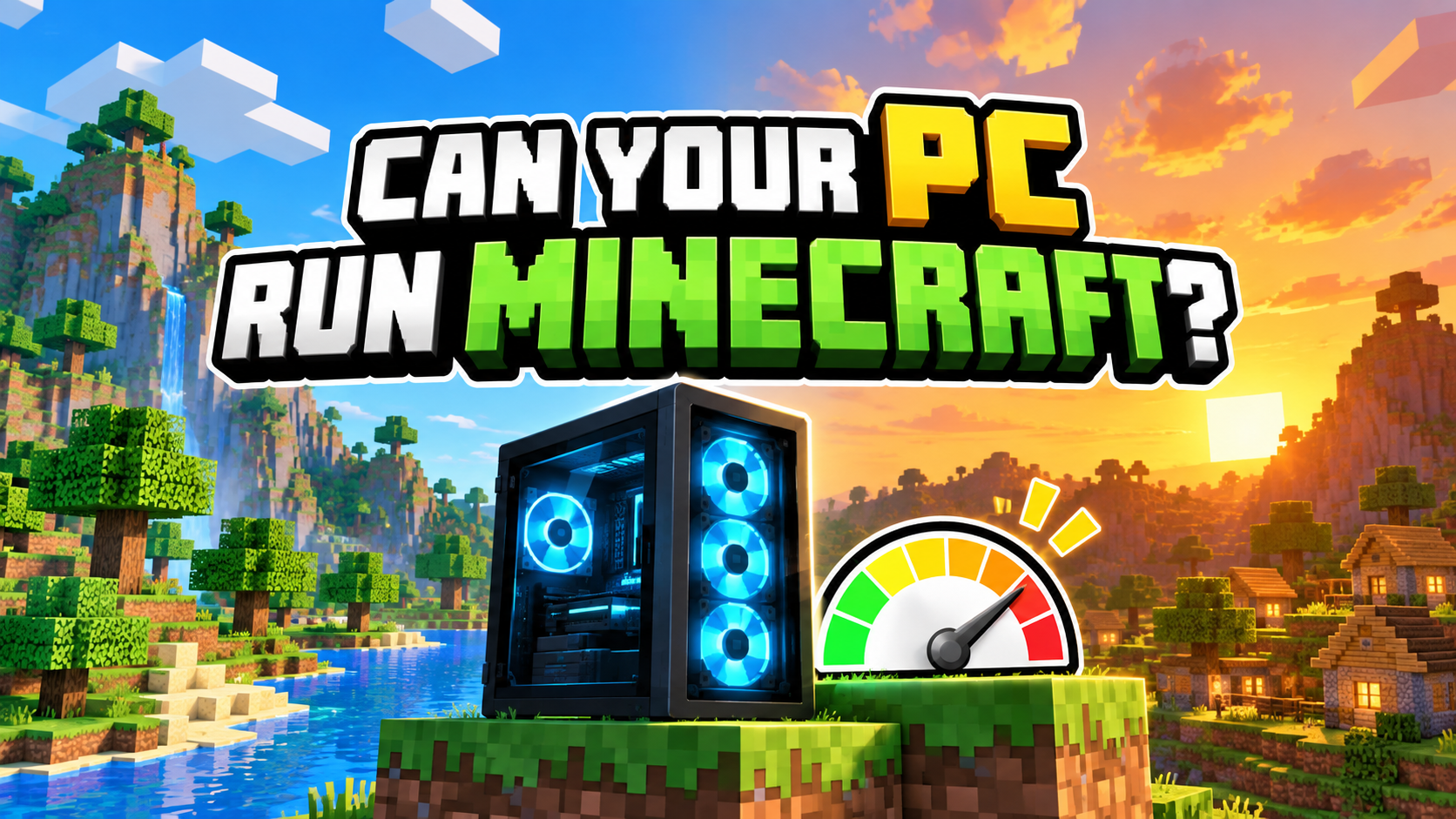
Minecraft is a game about exploring, building, and surviving in a world made of blocks.
It looks simple, so it is easy to think, “Surely my PC can run this.”
Often it can. But Minecraft can ask much more from your PC depending on how you play.
Playing a normal survival world.
Building a giant castle.
Exploring far from home.
Installing shaders.
Playing with friends.
Adding a mountain of mods.
Each choice changes the amount of work your PC has to do.
Before jumping into the blocky world, it helps to decide how you want to play and check what your current PC can handle.
Check your PC with PCGameChecker

The quick answer: Minecraft’s PC needs depend on how you play
Minecraft is easy to begin, but the PC you need changes when you add shaders, large builds, many mods, or multiplayer.
Walking through a new world, building a small home, and exploring a cave can be fairly gentle on a modern PC.
Then you build an enormous castle.
Add a village full of residents.
Travel until the map feels endless.
Install shaders that make the water sparkle.
Add enough mods to turn Minecraft into a different game.
That is when Minecraft rolls up its square sleeves and gets serious.
The game looks blocky, but plenty is happening behind those blocks.
For ordinary play, pay attention to the CPU and memory. If you want shaders or higher visual settings, the GPU becomes important too.
What kind of game is Minecraft?
Minecraft is a sandbox game where you decide what your adventure will become.
There is no single path you must follow. You can:
▶ Cut down trees
▶ Craft tools
▶ Build a home
▶ Find food
▶ Explore caves
▶ Run away from monsters
▶ Gather materials
▶ Build something much bigger than planned
The jobs sound simple. That simplicity is part of the magic.
At first, a tiny house feels like a major achievement. Add a door, place a torch, put down a bed, and you are ready for the night.
Excellent. Completely safe.
Then a zombie groans outside.
Could everyone please keep it down?
You can grow crops, search for a village, dig deep underground, build a castle, or play on a server with friends.
You may begin with a plain square house and somehow end up with a warehouse, farm, animal pen, and underground railway.
When did my little shelter become an entire town?
Java Edition also opens the door to community mods and custom servers. Bedrock Edition makes cross-platform play with consoles and mobile devices easier. Your preferred way to play helps decide which edition and what kind of PC will suit you.
What kind of PC is good for Minecraft?
The answer changes with the edition and the extras you want to use.
| How you want to play | What to check |
|---|---|
| Normal play in Bedrock Edition | Usually the easiest starting point. Check your CPU and memory. |
| Java Edition | Can demand more from the PC. Check the CPU, memory, and GPU. |
| Shaders | The GPU matters much more. Integrated graphics may struggle with demanding shader packs. |
| Many mods | Extra memory and CPU headroom help. The exact need depends on the modpack. |
| Multiplayer | PC performance matters, and so does a stable internet connection. |
You do not have to memorize every part number. Start with one question: what do you want to do in Minecraft?
View the detailed PC requirements ← click
Minecraft: Java Edition
Mojang updated the Java Edition requirements in July 2026. The new minimum target is 1080p at 30 FPS using the Fast preset. The recommended target is 1080p at 60 FPS using the Fancy preset.
| Java Edition | Minimum target | Recommended target |
|---|---|---|
| Performance target | 1080p / 30 FPS / Fast preset | 1080p / 60 FPS / Fancy preset |
| System | 64-bit operating system | 64-bit operating system |
| Memory | 8 GB with a dedicated GPU, or 12 GB with integrated graphics | 16 GB |
| CPU | 4-core processor | A stronger modern processor |
| GPU | Vulkan 1.3 capable GPU with at least 2 GB VRAM | A more capable GPU with 6 GB VRAM |
Beginner shortcut
For ordinary Minecraft, begin with the official requirements above. Shaders and large modpacks can need considerably more power, so always check the requirements supplied by the shader or modpack creator too.
Requirements checked September 9, 2026. Source: Minecraft: Java Edition System Requirements
When does Minecraft become harder for a PC?
Your PC gets busier when the world becomes larger or there are more things to draw and process.
Exploring new land.
Building huge structures.
Filling a village with people and animals.
Installing mods.
Adding shaders for realistic light and water.
Exploring far from home
New terrain has to be generated and loaded, which can keep the CPU and memory busy.
Creating a large build or village
More blocks, creatures, and moving parts give the PC more work.
Using shaders and mods
New visuals and features can increase the load on the GPU, CPU, and memory.
Which PC parts matter?
You only need to understand four basic jobs.
CPU
The organiser behind the world. It helps manage terrain, monsters, villagers, animals, and many calculations happening during play.
Memory
The PC’s workspace. Larger worlds and modpacks may need more room to keep their information ready.
GPU
The part that draws the picture. It becomes especially important when you add shaders, a higher resolution, or demanding visual settings.
Internet connection
The road between you and the server. An unstable connection can make movement or block placement feel delayed in multiplayer.
Want shaders? Give the GPU some attention
Shaders can transform Minecraft.
Water catches the light.
Sunbeams shine between the trees.
The sunset suddenly looks like a film.
Even a dark cave gains atmosphere.
It is still the same blocky world, but now it has arrived wearing dramatic lighting.
Those visuals create more work for the PC. If shaders are part of your plan, check the shader pack’s own requirements and leave some extra GPU headroom.
How to make Minecraft run more smoothly
If the game feels slow or uneven, begin with a few simple changes:
- Lower the render distance
- Remove the shader pack or choose a lighter one
- Reduce the number of mods
- Close programs you are not using
- Check your connection if the problem appears mainly in multiplayer
Render distance is a good first setting to test. Seeing miles of landscape is lovely, but your PC may appreciate being asked to concentrate on the nearby blocks for a moment.
Still unsure? Let PCGameChecker take a look
The question most beginners want answered is wonderfully simple:
“Can my PC run Minecraft?”
PCGameChecker scans your CPU, GPU, and memory, then gives you a simple five-star estimate. You can begin with the short answer and read the technical details only when you need them.
Before you enter the blocky world
Minecraft can be a quiet building game, a survival adventure, an enormous modded project, or a place to create chaos with friends.
The freedom is the fun—and it is also why PC requirements vary so much.
The CPU organises the world.
Memory gives worlds and mods room to work.
The GPU handles shaders and richer visuals.
Your connection matters when you play online.
Check what your PC can handle, collect some wood, and please build a shelter before the hissing starts.