
Yamerooo · A friendly start to PC gaming
Can your PC run
the game you want?
You found a game that looks brilliant. Then the store page starts talking about processors, graphics cards, and memory.
That is a lot of homework before the adventure has even begun.
PCGameChecker gives you the useful answer first: how well the game may run, shown as a simple five-star result.
PC specs can feel like another language.
You should be able to check a game before learning a list of PC part names. I built Yamerooo to begin with the question you actually came here to ask: “Will this game run on my PC?”
You will get a short answer first. The technical details are there when you want them.
How it works
Three small steps, explained in plain English.
Open PCGameChecker
Use the free Windows app to read the parts already inside your PC.
Choose a game
Search for the game you want to play. No need to type your PC specs by hand.
See your result
Get a five-star estimate and a short explanation of what your PC may need.
Start with a game you already love
Pick a world that looks worth getting lost in. We will help with the PC part.
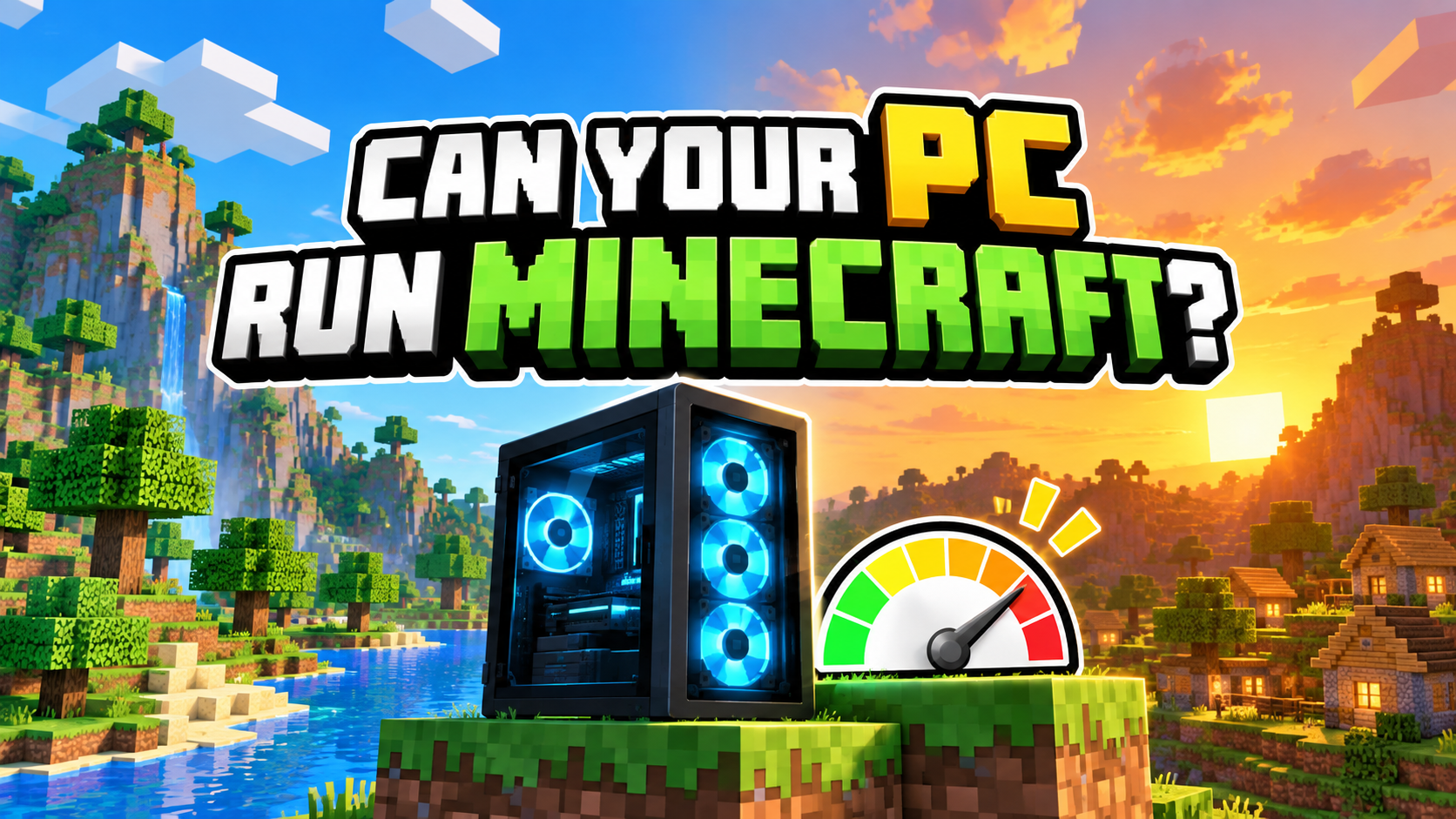
Building · Survival
Minecraft
Blocks look simple. Shaders, mods, and a very ambitious base may disagree.
Open beginner guide →
Battle Royale · Action
Fortnite
Check whether your PC can keep up when the island gets busy.
Open beginner guide →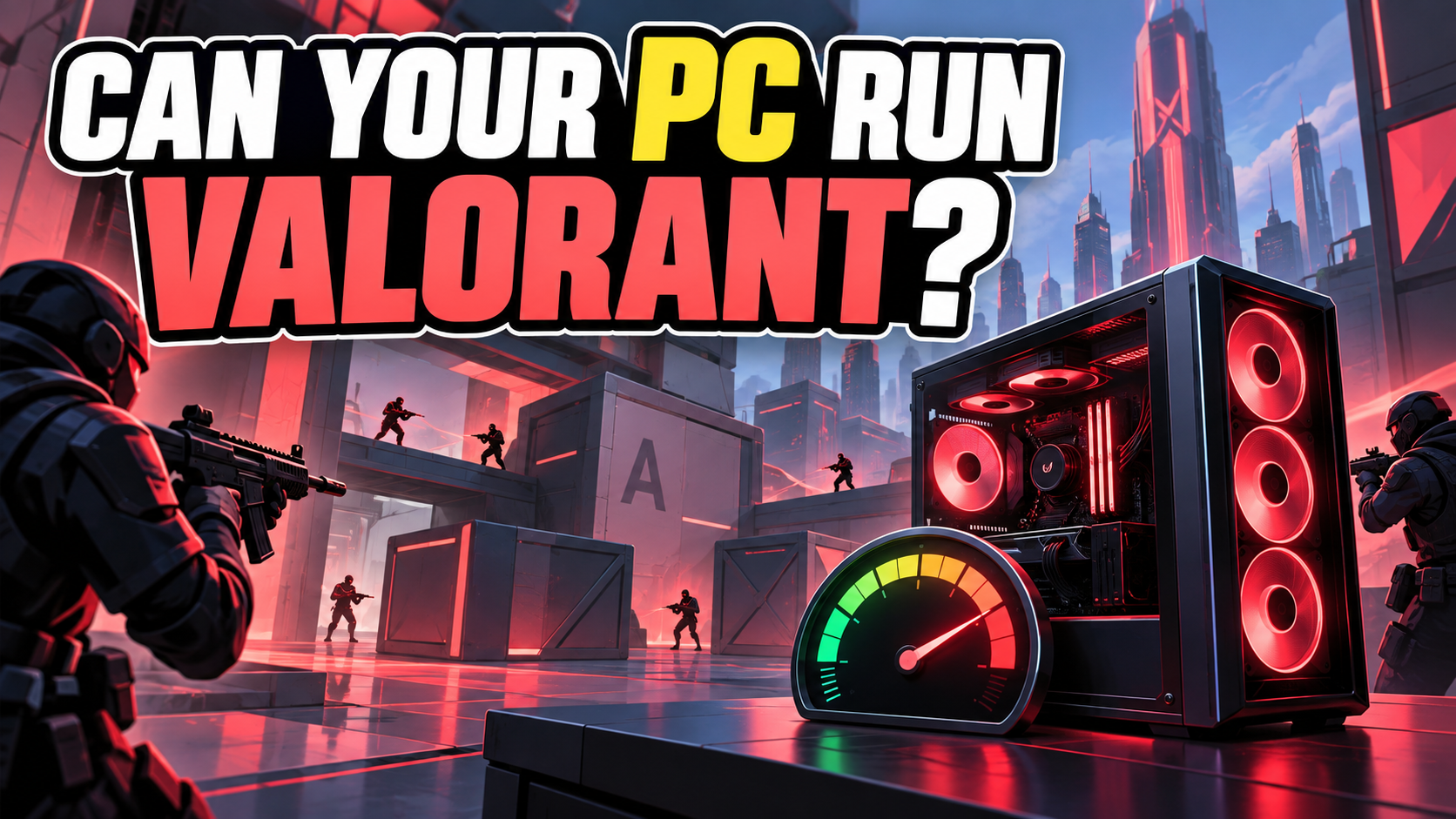
Tactical Shooter
VALORANT
A friendly starting point for many PCs, with smooth play still worth checking.
Open beginner guide →
Battle Royale · Hero Shooter
Apex Legends
Launching the game is one thing. Surviving a hectic fight smoothly is another.
Open beginner guide →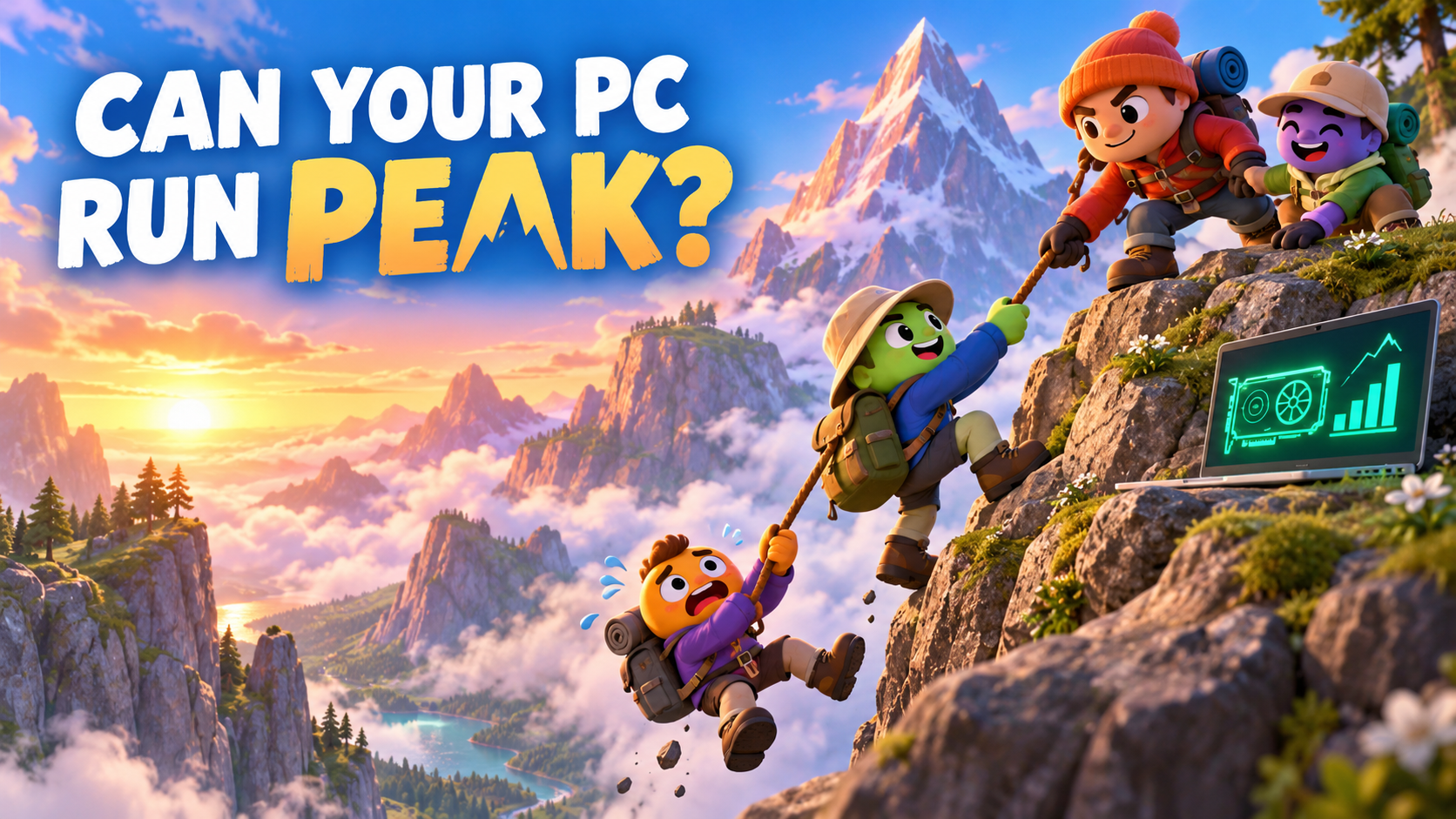
Co-op · Climbing · Physics
PEAK
Climb together, lend a hand, and try not to lead the whole group off a cliff.
Open beginner guide →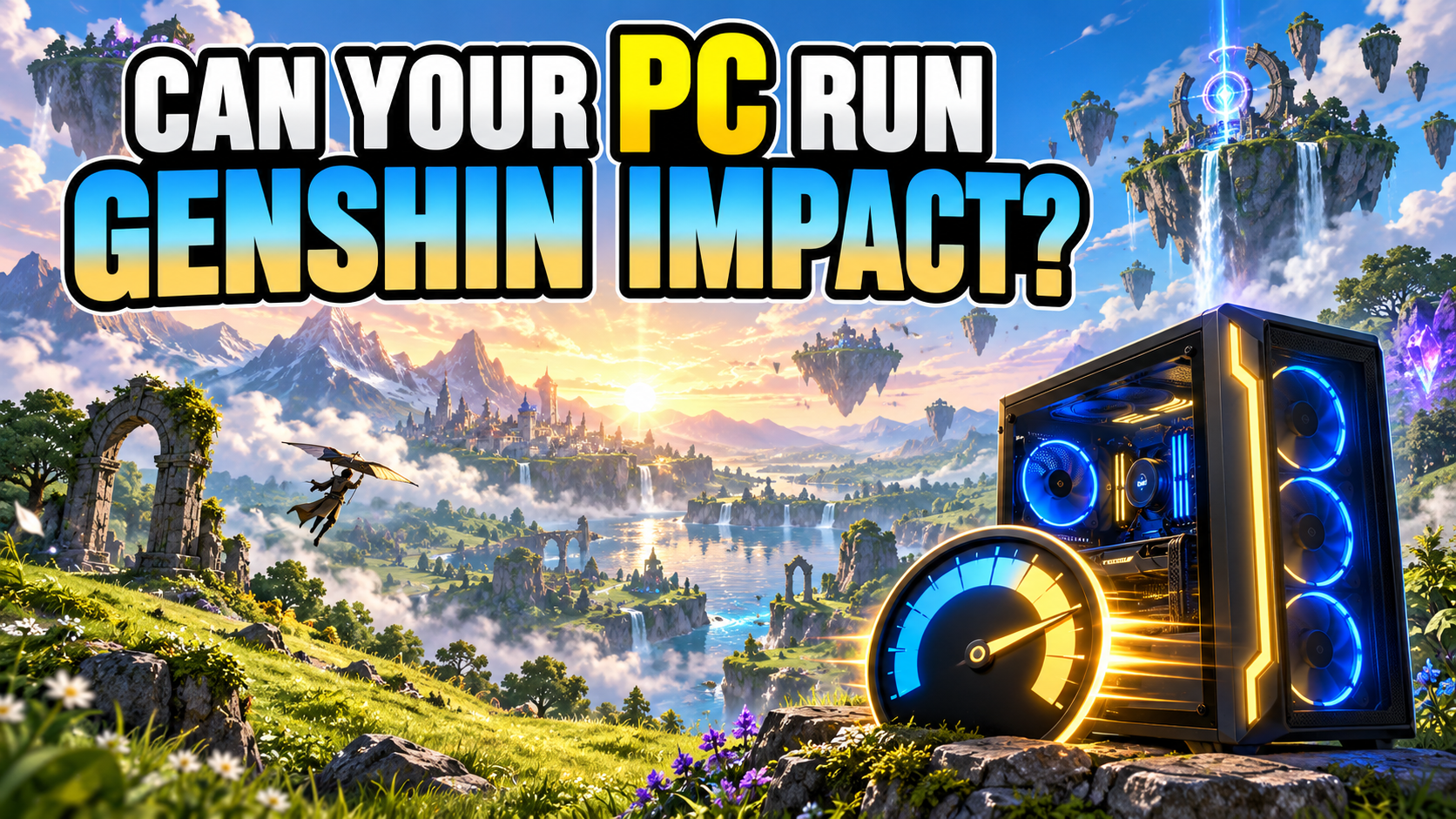
Open World · Action RPG
Genshin Impact
A colorful world, quick battles, and an installation that needs room to grow.
Open beginner guide →A useful answer before a wall of numbers
What will the result tell me?
PCGameChecker turns the parts inside your PC into a simple five-star estimate for the game you chose.
Four or five stars means you are likely in good shape. Three stars may call for lighter settings. One or two stars points you toward the part that needs attention.
A low score gives you a useful starting point. You will know what is holding the PC back and where to go next.
See how PCGameChecker works →The game you chose
Your PC looks ready. You may only need a small settings adjustment.
If your PC needs a little help
The result gives you a starting point. Choose the next step that fits your PC and your budget.
Try lighter settings
Small changes to graphics and background apps can make play steadier without buying anything.
Find your game guide →Find the slow part
Read a plain-English guide for the part highlighted in your result.
Compare gaming PCs
When an upgrade makes more sense, this will help you compare PCs by the games you want to play.
Guide coming nextReady to check your PC?
Choose the game you want to play. PCGameChecker will take care of the technical part, so you can get back to planning the adventure.
Check my PC for free →