This page may contain affiliate links.
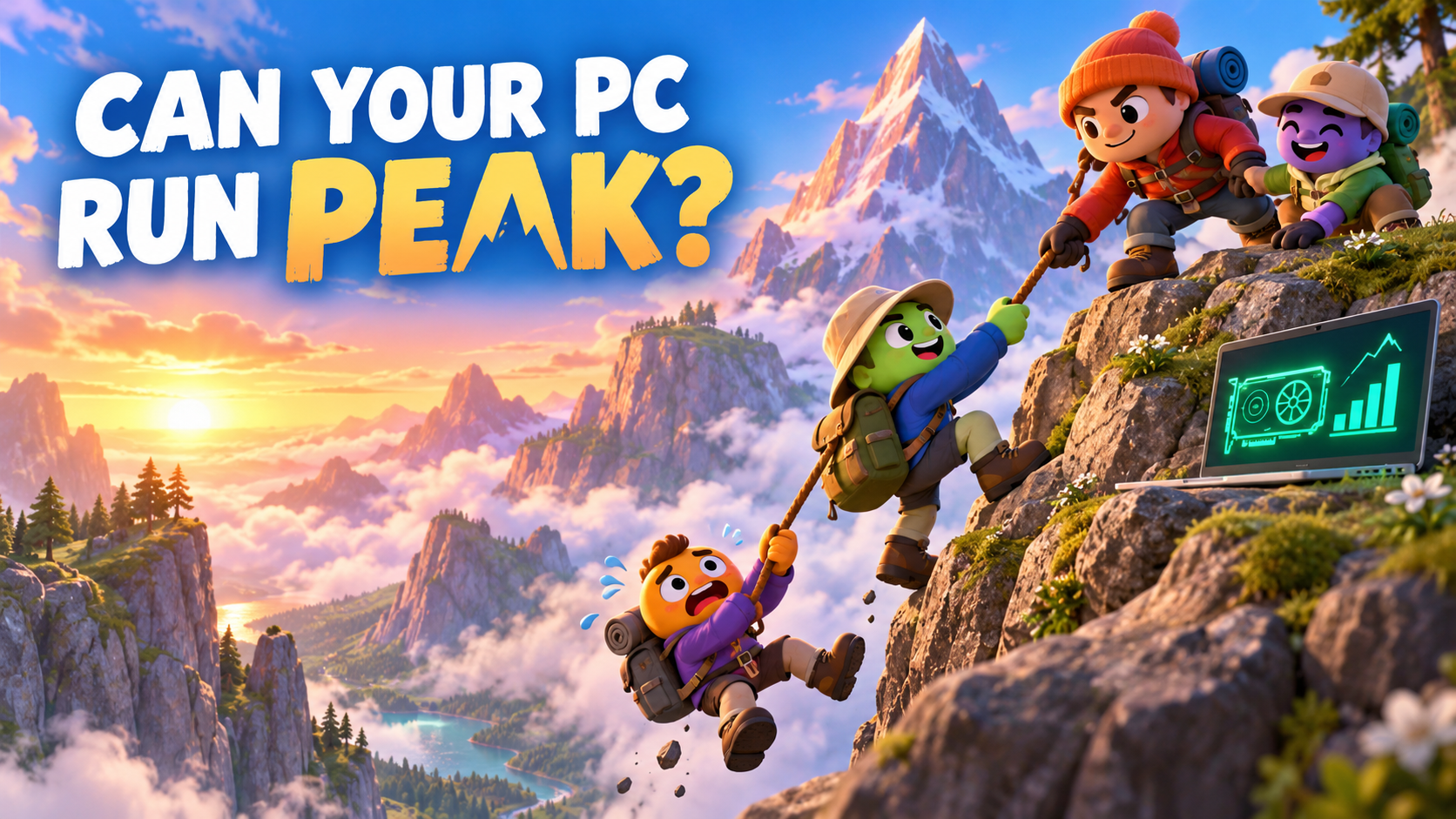
“Grab my hand!”
A friend is dangling below the cliff.
All right. Rescue mission.
Almost there. A little farther to the right.
Slip.
One scout falls.
I try to help—and fall too.
The summit is still a very long way up.
PEAK is a co-op climbing game where you help your friends scale a mountain. The helping part does not always go according to plan.
The game looks cute and takes up relatively little storage, so it is easy to assume that an ordinary laptop will handle it. Its official minimum requirements still list a dedicated graphics card.
Check your PC before the climb
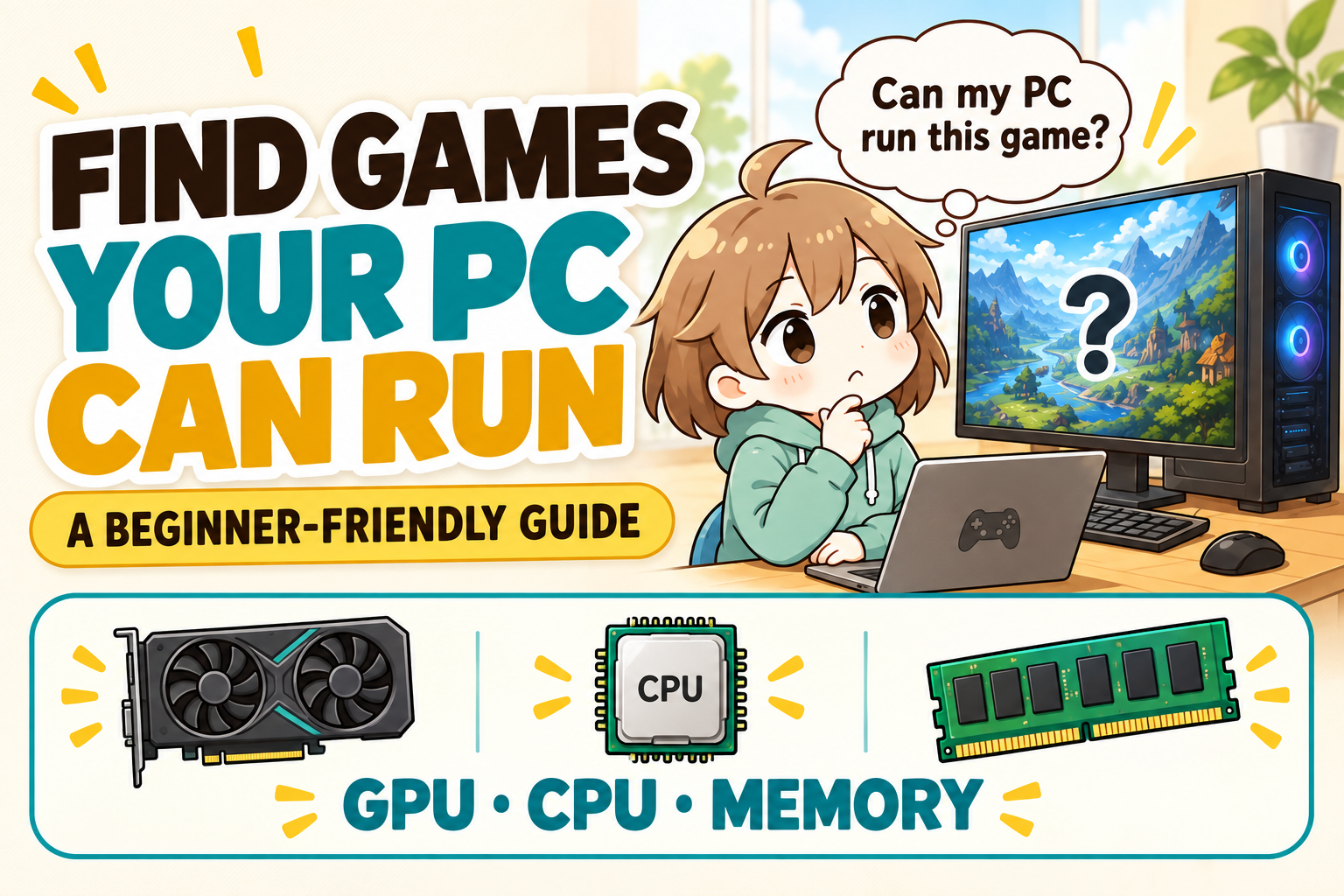
PCGameChecker gives you a beginner-friendly estimate on Windows.
The quick answer: PEAK uses more GPU power than its cute graphics suggest
The download is small, but PCs with integrated graphics may struggle.
PEAK needs only a few gigabytes of storage. Its official minimum GPU is a GeForce GTX 1060 or Radeon RX 6600 XT, so an everyday laptop deserves a closer look.
A small download does not answer the graphics question. PEAK draws a 3D mountain, distant scenery, players, equipment, and physics-based chaos.
A short stutter can matter when you are crossing a narrow ledge. The screen freezes. Your hand lets go. Oh. Goodbye, summit.
What kind of game is PEAK?
You play as a stranded nature scout on a mysterious island that changes every day. Your only route home is over the mountain at its center.
You can climb alone or invite up to three friends for a group of four.
You watch your stamina, choose handholds, and search for a route through four dangerous biomes. Ropes, climbing spikes, and survival items make the journey easier.
Teamwork is useful—and extremely funny
A scout who reaches a ledge first can pull up someone below. That is the sensible version.
The other version involves someone slipping, another person rushing to help, and two backpacks disappearing into the fog.
The mountain changes every day
The map rotates every 24 hours. You can try a new island each day or make several attempts on the same layout.
That feeling of being almost there is exactly why one more attempt turns into several.
PEAK PC requirements
The two easiest things for a beginner to check first are the GPU and memory.
View the detailed requirements ← click
| Part | Official minimum | Official recommended |
|---|---|---|
| Operating system | Windows 10, 64-bit | Windows 11, 64-bit |
| CPU | Intel Core i5 at 2.5 GHz or equivalent | Intel Core i5 at 3.0 GHz, AMD Ryzen 5, or equivalent |
| Memory | 8 GB RAM | 16 GB RAM |
| GPU | GeForce GTX 1060 or Radeon RX 6600 XT | GeForce RTX 2060, Radeon RX 7600 XT, or equivalent |
| DirectX | Version 12 | Version 12 |
| Storage | 4 GB | 6 GB |
Beginner shortcut
The download is small, but the GPU still needs checking. Integrated graphics in many ordinary laptops may fall below the official minimum. Think of 8 GB of memory as the starting line; 16 GB gives the game more room.
Requirements checked September 12, 2026. Source: PEAK on Steam. Game updates may change the requirements.
PC model names can quickly turn a simple question into homework. PCGameChecker reads those parts for you and turns them into a five-star estimate.
When does PEAK make your PC work harder?
Drawing the mountain
Rocks, trees, fog, and distant terrain must be drawn continually while you move. That is mainly the GPU’s job.
Moving together in multiplayer
Your PC also displays every friend’s position and movement. One jumps, one slips, and one dangles below a ledge.
When physics pile up
Grabbing, pulling, rolling, and tumbling are part of the fun. Several moving players and tools give both the CPU and GPU more work.
What should you check on your PC?
GPU draws the mountain
Check this first, especially on an ordinary laptop with integrated graphics.
CPU organizes the rescue
The CPU helps manage movement, physics, and the game behind the scenery.
Memory is the workspace
PEAK asks for 8 GB at minimum and recommends 16 GB. Close unused apps on an 8 GB PC.
Can PEAK run on a regular laptop?
The GPU inside matters more than whether the machine is called a laptop or desktop.
Many laptops for browsing and office work use integrated graphics. Because PEAK lists a GTX 1060 or RX 6600 XT as its minimum, those machines are more likely to struggle.
A small download does not always mean an easy game to run.
Having enough storage to install PEAK and enough graphics power to run it smoothly are two separate checks.
What to try if PEAK feels slow or stutters
- Choose a lower graphics preset.
- Reduce the screen resolution slightly.
- Lower shadow quality.
- Close unused apps and browser tabs.
- Plug in your laptop while playing.
- Update the graphics driver.
- Check Wi-Fi and ping when other players jump around.
Start by lowering one setting, then see whether movement becomes steadier.
The scenery may look less dramatic, but your friends will probably fall with the same enthusiasm.
Still unsure? Let PCGameChecker look
PCGameChecker reads the CPU, GPU, and memory from your Windows PC, gives you a five-star estimate, and points out the part most likely to need attention.
Actual performance can change with updates, settings, drivers, background apps, and the internet connection.
Check your PC before heading for the summit
PEAK is a climbing game where you lend a hand, place ropes, and slowly work past dangerous cliffs.
And every now and then, the entire group falls.
The storage requirement is small, but the GPU deserves a proper check. The minimum memory is 8 GB, while 16 GB is recommended.
Next time, everyone will reach the summit calmly and safely.
Probably.
Someone may fall first.