This page may contain affiliate links.
You wake up in a world you do not remember.
Ruined cities. Strange creatures. A voice calling you forward.
You are the Rover, searching for lost memories across Solaris-3 after a disaster known as the Lament.
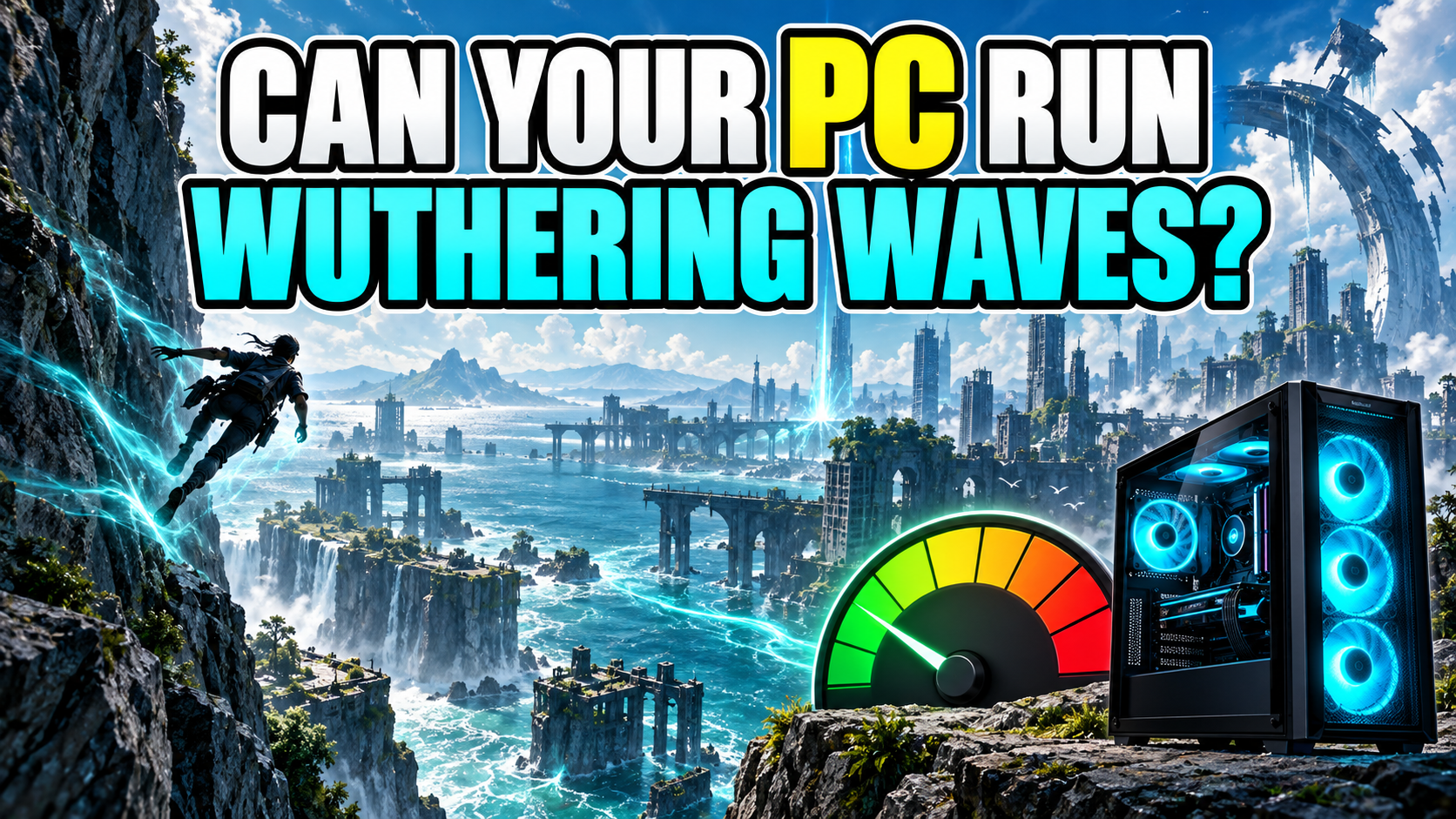
Then the road opens up. You run across walls, glide over cliffs, race through the landscape, and—
Wait. Was the destination behind me?
Yes. The scenery was lovely. The detour was completely intentional.
Wuthering Waves makes exploring feel fast and free, while its battles ask you to dodge, counter, switch characters, and watch a storm of effects at the same time.
That leads to one very practical question:
Can your current PC keep up?
Check your PC with PCGameChecker
PCGameChecker gives you a beginner-friendly estimate on Windows. If you are reading on a phone, open the guide again on the Windows PC you plan to use.

The quick answer: the open world and fast battles both matter
Wuthering Waves combines a large open world with quick combat, detailed characters, and bright effects.
A modest PC may launch the game, but steady movement during busy fights needs more room from the CPU, GPU, and memory.
The name on the outside of your computer does not tell the whole story. A “gaming laptop” can contain many different parts, and an everyday desktop may have been upgraded.
Check the actual parts inside, then compare them with the current requirements.
What kind of game is Wuthering Waves?
Wuthering Waves is a free-to-play open-world action RPG. You travel through a post-apocalyptic world, meet companions, follow the story, solve exploration challenges, and fight creatures called Tacet Discords.
Movement is a big part of the fun. The Rover can sprint up walls, use a glider, cross long distances, and reach places that looked suspiciously unclimbable five seconds ago.
Combat moves quickly too. A well-timed dodge can slow the moment down. Character switching creates follow-up attacks, while Echo abilities add another layer to the fight.
When enemies, effects, and rapid camera movement arrive together, your PC has plenty to calculate and draw.
What kind of PC is good for Wuthering Waves?
| Your PC | What to expect |
|---|---|
| Everyday laptop with integrated graphics | It may struggle. Check the GPU and memory before downloading. |
| Entry-level gaming PC | It may run with adjusted settings if its parts meet the minimum requirements. |
| Mid-range gaming PC | A more comfortable target for 1080p play and busy battles. |
| Higher resolution or high frame rate | Needs extra CPU and GPU headroom beyond the basic recommended list. |
You do not have to decode every model number by hand. PCGameChecker can scan the CPU, GPU, and memory and give you a simple five-star estimate.
View the current PC requirements ← click
The following requirements were checked on September 9, 2026. Game updates can change them, so also check the store page before installing.
| Part | Minimum | Recommended |
|---|---|---|
| OS | Windows 10 64-bit | Windows 10 64-bit |
| CPU | Intel Core i5 9th Gen or AMD Ryzen 2700 | Intel Core i7 9th Gen or AMD Ryzen 3700 |
| Memory | 16 GB RAM | 32 GB RAM |
| GPU | NVIDIA GTX 1060, AMD RX 570, or Intel Arc A380 | NVIDIA RTX 2060, AMD RX 5700 XT, or Intel Arc A750 |
| DirectX | Version 12 | Version 12 |
| Storage | 150 GB; HDD supported, SSD recommended | 150 GB; SSD required |
| Internet | Broadband connection | Broadband connection |
Source: Wuthering Waves on Steam
When can the game feel heavy?
Exploring a wide area
Long views, towns, cliffs, water, and moving objects can increase the amount your PC must draw.
Fast battles
Quick dodges, character switching, enemies, and overlapping effects can make frame-rate drops easier to notice.
Loading a new area
Storage speed and free space can affect how smoothly the game loads its files. The recommended specification requires an SSD.
A quiet road may look smooth while a crowded fight feels different. Test more than one scene before deciding that a setting is comfortable.
Which PC parts matter?
GPU draws the world
The graphics processor draws characters, scenery, shadows, lighting, and combat effects. Higher resolution and visual settings give it more work.
CPU keeps the action moving
The processor handles game logic and helps prepare each frame. Fast battles can reveal a CPU that is already near its limit.
Memory holds active information
The current minimum is 16 GB, while the recommended specification lists 32 GB. Browsers and other open apps also use memory.
Storage holds a very large game
The current listing asks for 150 GB. Leave additional room for downloads and future updates, and use an SSD for the recommended setup.
How to make Wuthering Waves run more smoothly
- Start with a lower graphics preset.
- Lower the resolution or rendering quality if needed.
- Reduce shadows and other demanding effects one setting at a time.
- Close browsers and apps you are not using.
- Update the graphics driver from your GPU maker.
- Keep enough free storage space for the game and its updates.
Change one setting, return to the same busy area, and compare the result. That makes it easier to see which adjustment helped.
Performance varies by PC, game version, resolution, drivers, temperature, and background apps. A compatibility result is a useful estimate rather than a guaranteed frame rate.
Still unsure? Let PCGameChecker take a look
Model numbers can feel like a side quest that appeared before the real adventure even started.
PCGameChecker checks your Windows PC and compares its CPU, GPU, and memory with the game. The result appears as a simple five-star estimate, with plain-English guidance about the part that may matter most.
Prepare your PC before setting out
Wuthering Waves is at its best when you can explore freely, react to an attack, and enjoy the spectacle without wondering whether your PC is about to join the Tacet Discords.
Check your parts, leave enough storage space, and choose settings that suit your machine.
Then follow the road.
Even if it turns out to be the scenic route again.