This page may contain affiliate links.
The train doors open with a soft hiss.
A new city waits outside. You follow the conversation, explore for a moment—and suddenly a battle begins.
A character activates their Ultimate. The screen flashes, the camera moves, and the dramatic finishing animation begins.
This is exactly the moment you want to see clearly.
Then the picture stutters.
Nooo. Please hold it together for the good part.
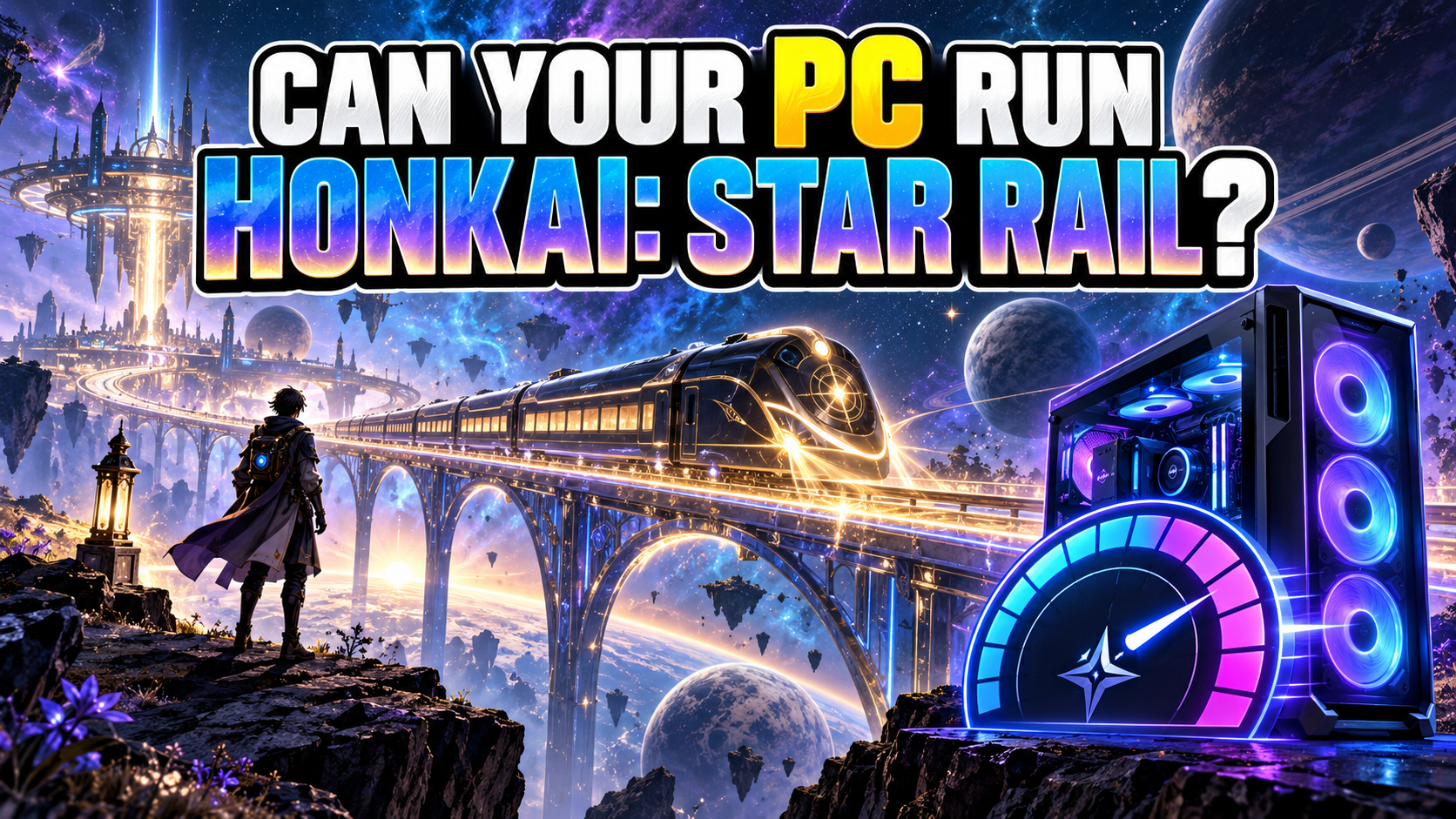
Honkai: Star Rail is a space-fantasy RPG about visiting new worlds, following a story, building a team, and enjoying wonderfully dramatic turn-based battles.
It is also available on mobile, but the PC version still needs enough graphics power, memory, and storage for smooth loading and combat effects.
Check your PC with PCGameChecker

The quick answer: Star Rail has many moments worth seeing smoothly
An everyday laptop may struggle with loading times and battle effects. A gaming PC has a better chance, but the components still matter.
Star Rail is turn-based, so you spend less time dodging every second than in an action game. That makes its story scenes, character expressions, world design, and Ultimate animations especially important.
The goal is to enjoy those moments without long waits or distracting stutters.
What kind of game is Honkai: Star Rail?
You board the Astral Express as the Trailblazer and travel between worlds, meeting new companions and solving problems connected to mysterious Stellarons.
▶ Explore new worlds and cities
▶ Follow a story full of conversations and mysteries
▶ Build a team of four characters
▶ Fight in turn-based battles
▶ Break enemy weaknesses with the right damage types
▶ Watch your favourite character turn one button into a complete stage performance
Because the combat is turn-based, you can think before choosing an action. The animation, lighting, and character presentation give each powerful move its impact.
What kind of PC is good for Honkai: Star Rail?
| Your PC type | What to expect |
|---|---|
| Everyday laptop for browsing and office work | It may feel heavy. Check the graphics hardware first. |
| Older laptop | Check the memory, dedicated GPU, and free storage. |
| Entry-level gaming PC | May run with adjusted settings if it meets the minimum. |
| PC near the recommended level | A better target for smooth story scenes and battle effects. |
PCGameChecker can scan your CPU, GPU, and memory and give you a simple estimate.
View the detailed PC requirements ← click
| PC part | Minimum guide | Recommended guide |
|---|---|---|
| OS | 64-bit Windows 10 or later | 64-bit Windows 10 or later |
| CPU | Intel Core i5 | Intel Core i7 |
| Memory | 8 GB RAM | 16 GB RAM |
| GPU | NVIDIA GeForce GTX 1050 or better | NVIDIA GeForce GTX 1060 6 GB or better |
| DirectX | Version 11 | Version 11 |
Leave room for updates
The installation grows as new worlds, story chapters, and resources arrive. Keep generous free storage instead of planning around the current download alone.
Requirements checked September 9, 2026. Source: HoYoverse system requirements notice.
When does Star Rail feel heavy?
Ultimate animations
Lighting, camera movement, and effects arrive together during the moment everyone wants to watch.
Busy cities and new areas
More characters, scenery, and details can reveal slower loading or stuttering.
Rapid team attacks
Follow-up attacks and overlapping effects give the GPU and memory more work.
Large updates
Limited free storage can interrupt installation before the train even leaves.
Which PC parts matter?
GPU
Draws worlds, characters, lighting, and battle effects. It has a strong influence on image quality and smooth animation.
CPU
Handles game activity behind the scenes and helps keep transitions and battles responsive.
Memory
Gives Star Rail and Windows working room. The current recommended guide calls for 16 GB RAM.
Storage
New content can increase the installation size. An SSD with comfortable free space makes updates easier to manage.
How to make Honkai: Star Rail run more smoothly
- Lower the overall graphics quality
- Reduce shadows and visual effects
- Lower the render resolution if necessary
- Close unused background programs
- Update the graphics driver
- Keep generous free SSD space
Change one setting at a time and compare the same scene. That makes it easier to discover which adjustment helped.
Still unsure? Let PCGameChecker take a look
“Can my PC run Honkai: Star Rail?”
PCGameChecker scans the main PC parts and gives you a beginner-friendly five-star estimate, plus the component most likely to affect the game.
Prepare your PC before boarding the Astral Express
Star Rail is a journey through new worlds, character stories, and gloriously dramatic battle animations.
Check the GPU, memory, and free storage first. Then board the train and enjoy every Ultimate—with the PC holding itself together for the important part.