This page may contain affiliate links.
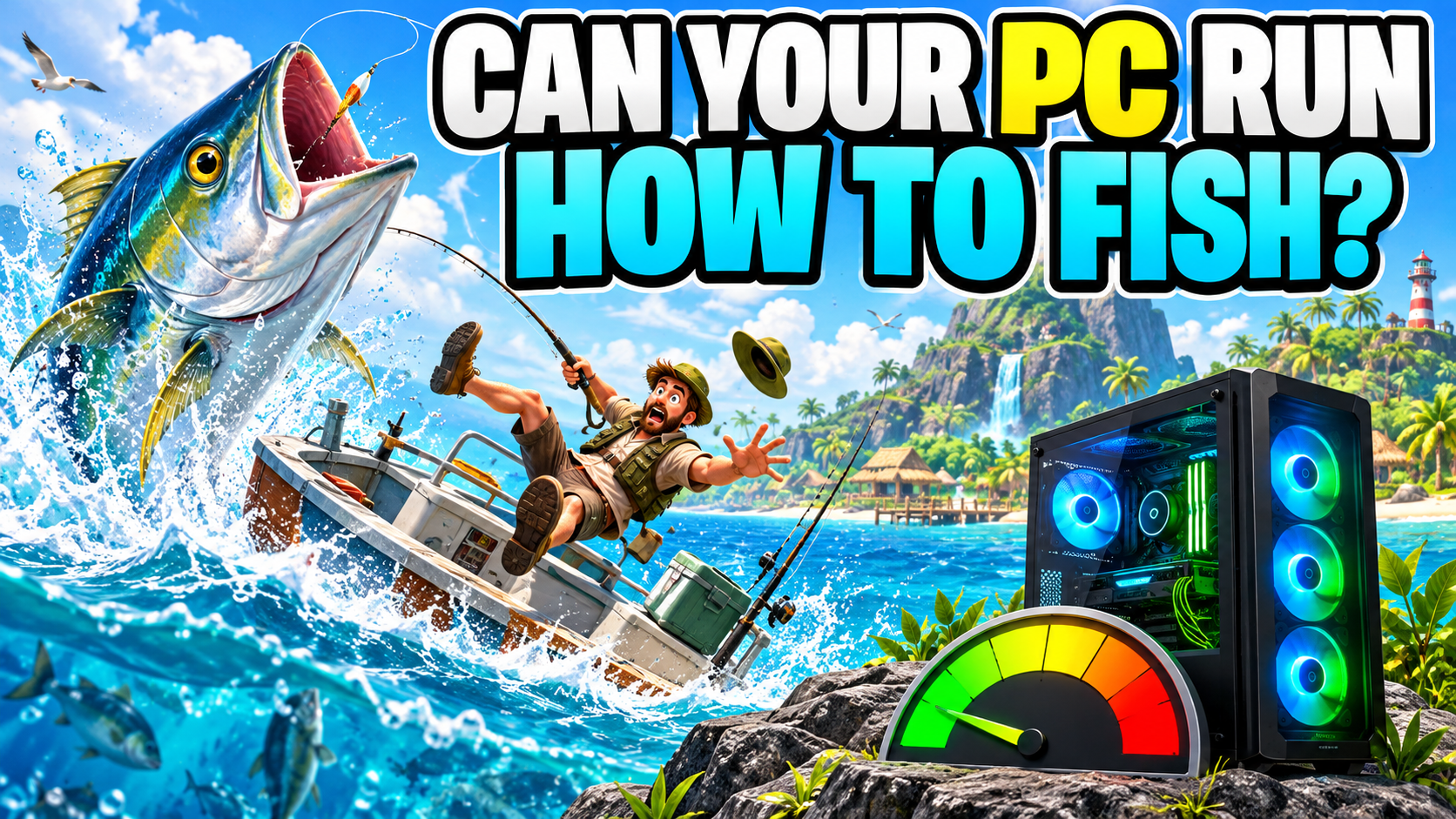
I pick up a fishing rod and head for the sea.
Today is the day. I will catch something enormous and impress everyone.
That was the plan.
Then I fell out of the boat.
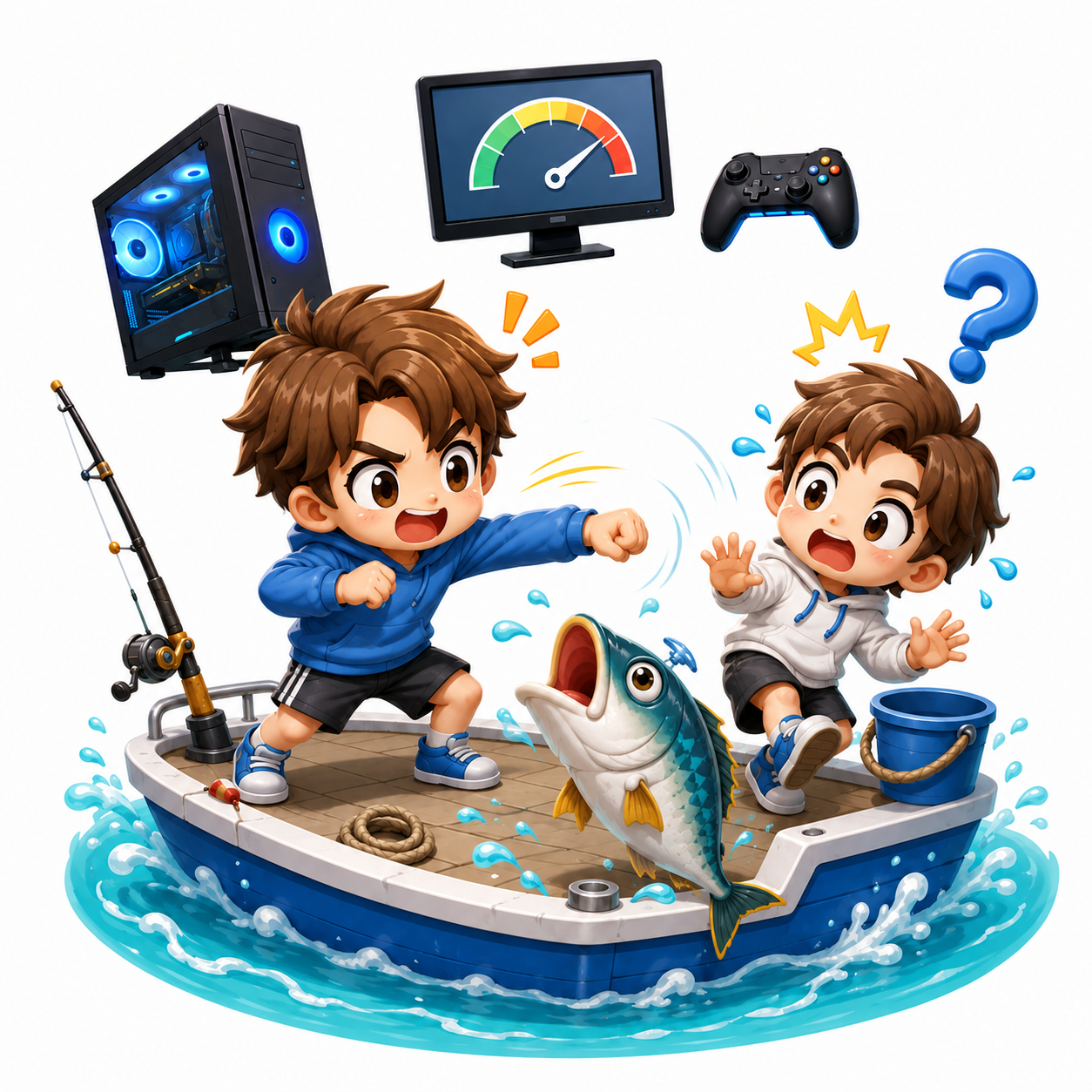
I tried to hit a fish and punched the friend standing beside it. I chased another fish shouting, “Come back!” and launched myself into the water again.
Later, I pulled out a knife to finish a catch. Somewhere in the confusion, I put the knife away and started fighting the fish with my bare hands.
No. That is not the calm fishing trip I imagined.
How to Fish turns fishing into a physics-powered co-op adventure. You catch fish, chase them, sell them, buy better gear, travel to new islands, and occasionally become the thing that needs rescuing.
Failure is part of the entertainment. If your aim is terrible, something interesting is about to happen.
I have played it on my desktop PC without noticeable stuttering so far. The official minimum requirements still list a dedicated graphics card, so an everyday laptop deserves a quick check before you sail.
Check your PC before you go fishing
PCGameChecker gives you a beginner-friendly estimate on Windows. If you are reading on a phone, open the guide again on the Windows PC you plan to use.
The quick answer: fairly light, but check an everyday laptop
How to Fish has modest storage and memory requirements, while its minimum GPU is a GeForce GTX 1050 or Radeon RX 460.
A gaming PC has a good chance of handling it. A general-purpose laptop with integrated graphics may need lower settings and deserves a closer look.
The game needs only about 1 GB of free storage. After seeing games that demand 100 GB or more, it is tempting to celebrate immediately.
Small download. Easy victory!
Storage size and graphics performance are separate questions, though. Fish, players, boats, water, and physics can all move at once, so the GPU still matters.
What kind of game is How to Fish?
How to Fish calls itself a physics-based fishing simulator for one to four players. You begin with little equipment after crashing near an island and work toward getting home.
Landing a fish is only the beginning. The catch may escape across the ground, forcing you to chase it with a knife, a gun, or whatever tool you manage to keep in your hand.
Sell the fish and you earn money for new rods, weapons, and boat equipment. Better gear helps you complete quests, fight bosses, and reach islands with stranger creatures and greater rewards.
Then “one more fish” becomes “one more upgrade,” which becomes “I only want to see the next island.” Suddenly it is much later than expected.
The physics create the comedy
Fish bounce. Players trip. Boats move. People fall overboard.
A clean trick shot can earn extra money. A failed trick shot can send you sprinting after a fish and straight into the ocean. Either result gives everyone something to talk about.
Friends multiply the chaos
Co-op turns a small mistake into a group event. One person catches the fish, one chases it, one falls into the water, and one is laughing too hard to help.
I once punched a friend because I honestly thought I was aiming at the fish.
Sorry. In my defense, everything was moving.
The game rewards skill, yet it also gives beginners plenty of room to laugh at their mistakes together.
There are bosses, new islands, and fish-powered gambling
Quests and bosses unlock new areas. Rare fish, stronger equipment, and more dangerous creatures keep the trip moving forward.
You can also gamble the money earned from fishing. It uses in-game currency rather than additional real money.
I know buying equipment is the sensible choice. I also know I will probably walk over to the roulette wheel.
How to Fish PC requirements
The current Steam page provides a minimum specification and leaves the recommended section without detailed part numbers.
For a beginner, the two easiest numbers to check first are 8 GB of memory and the GPU.
View the detailed requirements ← click
| Part | Official minimum |
|---|---|
| Operating system | Windows 10 or later, 64-bit |
| CPU | Intel Core i5-5257U, AMD Ryzen 3 1200, or equivalent |
| Memory | 8 GB RAM |
| GPU | GeForce GTX 1050, AMD Radeon RX 460, or equivalent |
| Internet | Broadband connection |
| Storage | 1 GB available space |
Beginner shortcut
Look for at least 8 GB of memory and compare the GPU with the GTX 1050 or RX 460. PCGameChecker can help when the model names look like alphabet soup.
Requirements checked September 10, 2026. Source: How to Fish on Steam. Game updates may change the requirements.
Finding your GPU is usually the moment when a simple question turns into homework.
I remember reaching this point myself and thinking, “GPU? What on earth is that?”
I only wanted to play a game. Instead, I was opening Windows settings, copying model numbers, and comparing lists.
That frustration is why I made PCGameChecker. How to Fish is included in its game list, so the tool can check the parts for you.
My desktop ran it smoothly—the ocean incidents were my fault
On my home desktop, chasing fish and travelling by boat has felt smooth so far.
I have fallen into the sea repeatedly, but the PC has an excellent alibi.
Punching my teammate, putting away the knife, and fighting bare-handed were all caused by my fingers. The computer was doing its job.
Smooth performance helps these mistakes stay funny. If the screen also stutters during the chase, it becomes harder to tell whether your timing or the PC caused the problem.
Your experience can vary with the number of players, graphics settings, hardware, drivers, and internet connection. Use my experience as a real example rather than a promise for every PC.
What should you check on your PC?
GPU draws the sea and the chaos
The GPU draws the water, fish, boat, players, and effects. It is the first part to check on an everyday laptop.
CPU and memory organize the action
The CPU helps manage movement and physics. Memory holds the information currently in use. With 8 GB, closing other apps can leave more room for the game.
Internet connects the crew
Online co-op also depends on the connection. Players jumping around or delayed reactions can point to network trouble as well as PC performance.
If you aim at a fish and hit your friend, check your controls first.
That was certainly the cause in my case.
What to try if the game feels heavy
- Choose a lower graphics preset.
- Reduce the resolution slightly.
- Lower shadows and other visual effects.
- Close apps and browser tabs you are finished with.
- Keep some free storage space.
- Update the graphics driver.
- Check the internet connection when other players appear to jump or react late.
On a PC with 8 GB of memory, background apps can crowd the available workspace. Give How to Fish a little room while you play.
If lower settings make little difference, compare the GPU with the official minimum.
Still unsure? Let PCGameChecker look
The question you want answered is simple: “Can my PC run How to Fish?”
PCGameChecker reads the CPU, GPU, and memory from your Windows PC and gives you a five-star compatibility estimate. It also points out the part most likely to need attention.
The result is an estimate based on PC parts. Actual performance can change with game updates, settings, drivers, background apps, and the internet connection.
Catch fish, upgrade your gear, and try to stay in the boat
How to Fish mixes fishing, action, physics, bosses, new islands, and co-op mistakes into one delightfully messy trip.
Its minimum requirements are modest compared with many large PC games. A general-purpose laptop still deserves a GPU check before buying.
My desktop has handled the game smoothly. Everything that went wrong was caused by the player sitting in front of it.
Next time, I will calmly land a magnificent fish.
Probably.
I may fall into the ocean first.