This page may contain affiliate links.
You hear footsteps around the corner.
You stop, aim at head height, and wait.
The enemy appears.
One shot. The round is over.
That was fast. Very fast. Suspiciously fast.
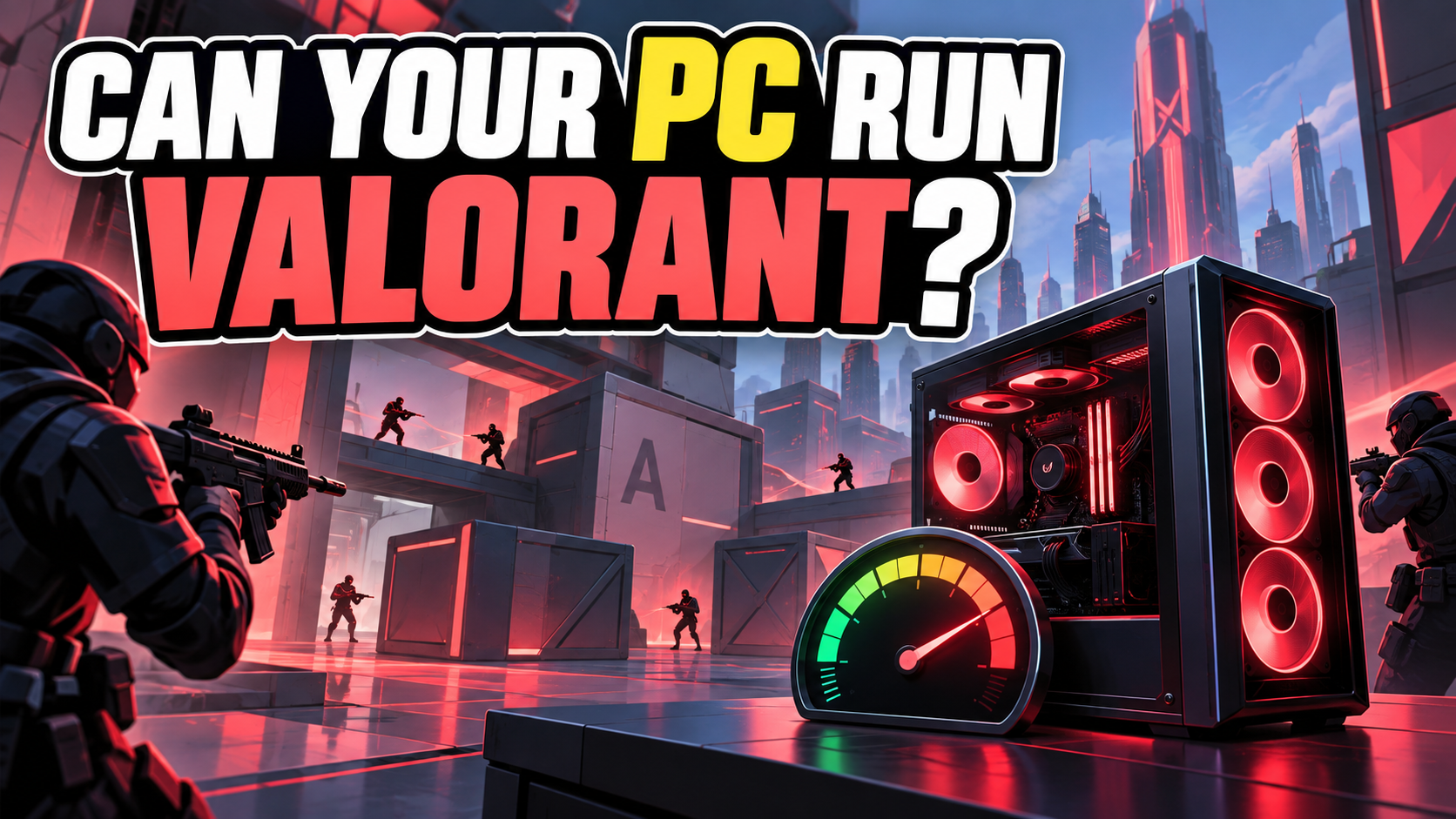
VALORANT is a free-to-play 5v5 tactical shooter where precise aim, sound, positioning, abilities, and teamwork all matter.
The maps are compact and the graphics are designed to stay clear, so the game can run on fairly modest hardware. But in a match where a fraction of a second matters, “it opens” and “it feels responsive” are different goals.
Before blaming your mouse, your Wi-Fi, or the mysterious teammate who walked away with the Spike, let’s check whether your PC is ready.
Check your PC with PCGameChecker

The quick answer: VALORANT is light, but smooth response matters
Many Windows PCs can start VALORANT. For comfortable matches, focus on a steady frame rate and responsive controls—not only the minimum requirements.
Riot lists hardware targets for 30 FPS, 60 FPS, and 144+ FPS. A basic system may reach the first target, while players who want smoother aiming should look closer to the 60 FPS or 144+ FPS level.
A steady frame rate helps you follow movement and place your crosshair. A stable internet connection helps your actions reach the server consistently. Both matter in a tactical shooter.
What kind of game is VALORANT?
Two teams of five take turns attacking and defending. The attacking team tries to plant the Spike, while the defending team tries to stop them or defuse it.
▶ Choose an Agent with unique abilities
▶ Buy weapons and equipment
▶ Listen for footsteps and abilities
▶ Hold angles and check corners
▶ Plant or defend the Spike
▶ Win rounds as a team
Abilities create smoke, flashes, walls, traps, and information, but accurate shooting is still central. Running into every room while pressing every button is certainly a strategy. It is simply a very short strategy.
Beginners can start by learning one Agent, one map, and one useful job at a time.
What kind of PC is good for VALORANT?
| Your PC or goal | What to expect |
|---|---|
| Everyday Windows laptop | VALORANT may run at low settings, but check the CPU, graphics support, and Windows version. |
| Entry-level gaming PC | A practical starting point for 60 FPS play with adjusted settings. |
| Mid-range gaming PC | More headroom for high frame rates, clearer motion, and busy ability effects. |
| 144 Hz competitive goal | Aim for Riot’s 144+ FPS hardware level or better, with a suitable monitor. |
You do not have to identify every component by hand. PCGameChecker can scan your CPU, GPU, and memory and provide a simple five-star estimate.
View the detailed PC requirements ← click
Riot publishes three performance targets for VALORANT.
| Target | CPU | GPU |
|---|---|---|
| Minimum: 30 FPS | Intel Core i3-540 or AMD Athlon 200GE | Intel HD 4000 or AMD Radeon R5 220 |
| Recommended: 60 FPS | Intel Core i3-4150 or AMD Ryzen 3 1200 | NVIDIA GeForce GT 730 or AMD Radeon R7 240 |
| High-end: 144+ FPS | Intel Core i5-9400F 2.90 GHz or AMD Ryzen 5 2600X | NVIDIA GTX 1050 Ti, AMD Radeon R7 370, or Intel Arc A310 |
| Shared requirement | Official specification |
|---|---|
| Operating system | 64-bit Windows 10 build 19041 or newer, or Windows 11 |
| Memory | 4 GB RAM |
| Graphics memory | 1 GB VRAM |
| CPU instruction support | SSE 4.2 or AVX |
Beginner shortcut
The 30 FPS level is the starting line. The 60 FPS level is a more comfortable target, while 144+ FPS is intended for smoother high-refresh play.
Requirements checked September 9, 2026. Source: Riot Games: VALORANT PC specifications
When does VALORANT feel heavy?
A quiet hallway is easy for the PC. A site push can be much busier.
Several abilities appear together
Smoke, walls, flashes, and visual effects can make frame drops easier to notice.
You turn quickly during a fight
An unstable frame rate can make aiming and tracking feel less consistent.
Background apps are active
Browsers, recording software, launchers, and voice tools can use CPU time and memory.
The connection becomes unstable
Packet loss or high latency can make players move strangely even when the picture itself is smooth.
Which PC parts matter?
CPU
Helps the game process each round and becomes especially important when aiming for a high frame rate.
GPU
Draws the map, players, and effects. VALORANT supports modest graphics hardware, but stronger graphics provide more headroom.
Memory
Riot lists 4 GB RAM, though Windows and background apps also need room. Closing unused programs can help a limited PC.
Internet connection
A stable connection affects latency and packet loss. For online matches, consistency matters more than a large advertised download speed.
Is it the PC or the connection?
Players often call both problems “lag,” but the symptoms can point in different directions.
The entire picture becomes choppy
Check the frame rate, graphics settings, and background programs first.
Players jump or snap to another position
Check ping, packet loss, Wi-Fi stability, and the server connection.
The game is smooth until abilities fill the screen
Lower visual settings and watch whether the frame rate becomes steadier.
If possible, compare a practice session with an online match. That makes it easier to separate PC performance from connection problems.
How to make VALORANT run more smoothly
- Lower graphics quality and visual effects
- Use a sensible resolution for your PC
- Close unused browsers, launchers, and recording tools
- Update the graphics driver
- Keep Windows updated to a supported build
- Use a stable wired connection or strong Wi-Fi when possible
- Check that the monitor is using its intended refresh rate
Change one setting at a time and test it. Otherwise, you may fix the problem and never discover which tiny checkbox performed the miracle.
Still unsure? Let PCGameChecker take a look
The main question is simple:
“Can my PC run VALORANT?”
PCGameChecker scans your main PC parts and shows a beginner-friendly five-star estimate, plus the component most likely to affect the game.
Check your PC before the next round begins
VALORANT can run on modest hardware, but a steady frame rate and stable connection make aiming and movement easier to trust.
Check your PC, choose one Agent to learn, keep an eye on the Spike—and remember that the footsteps around the corner probably heard you too.